Hello.
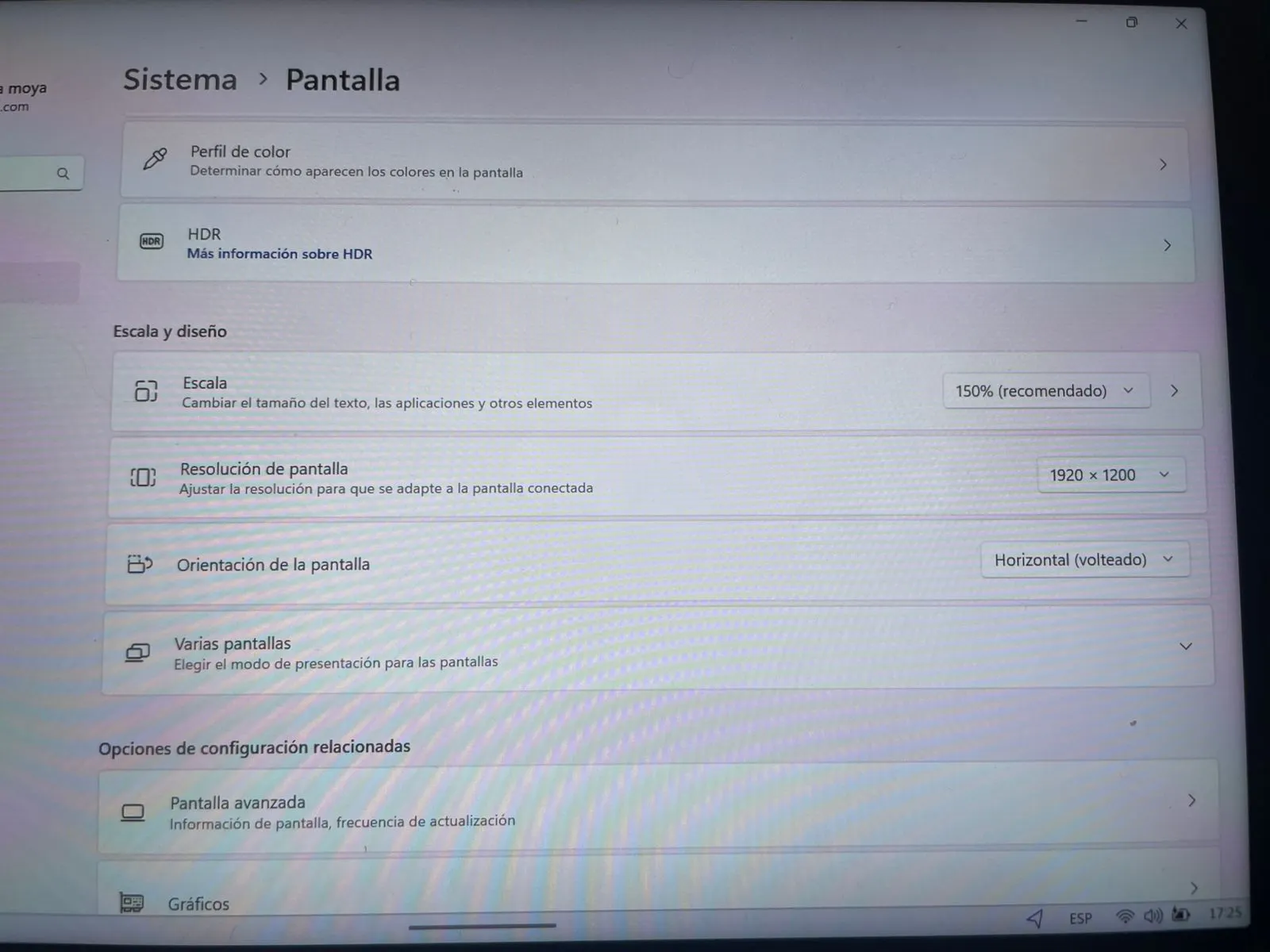
As the title indicates, after reinstalling Windows 11, automatic screen rotation stopped working, and the rotation lock option disappeared.
I've reinstalled Windows several times, using the reset option in Settings and also using the Lenovo recovery media, but the screen rotation still doesn't work.
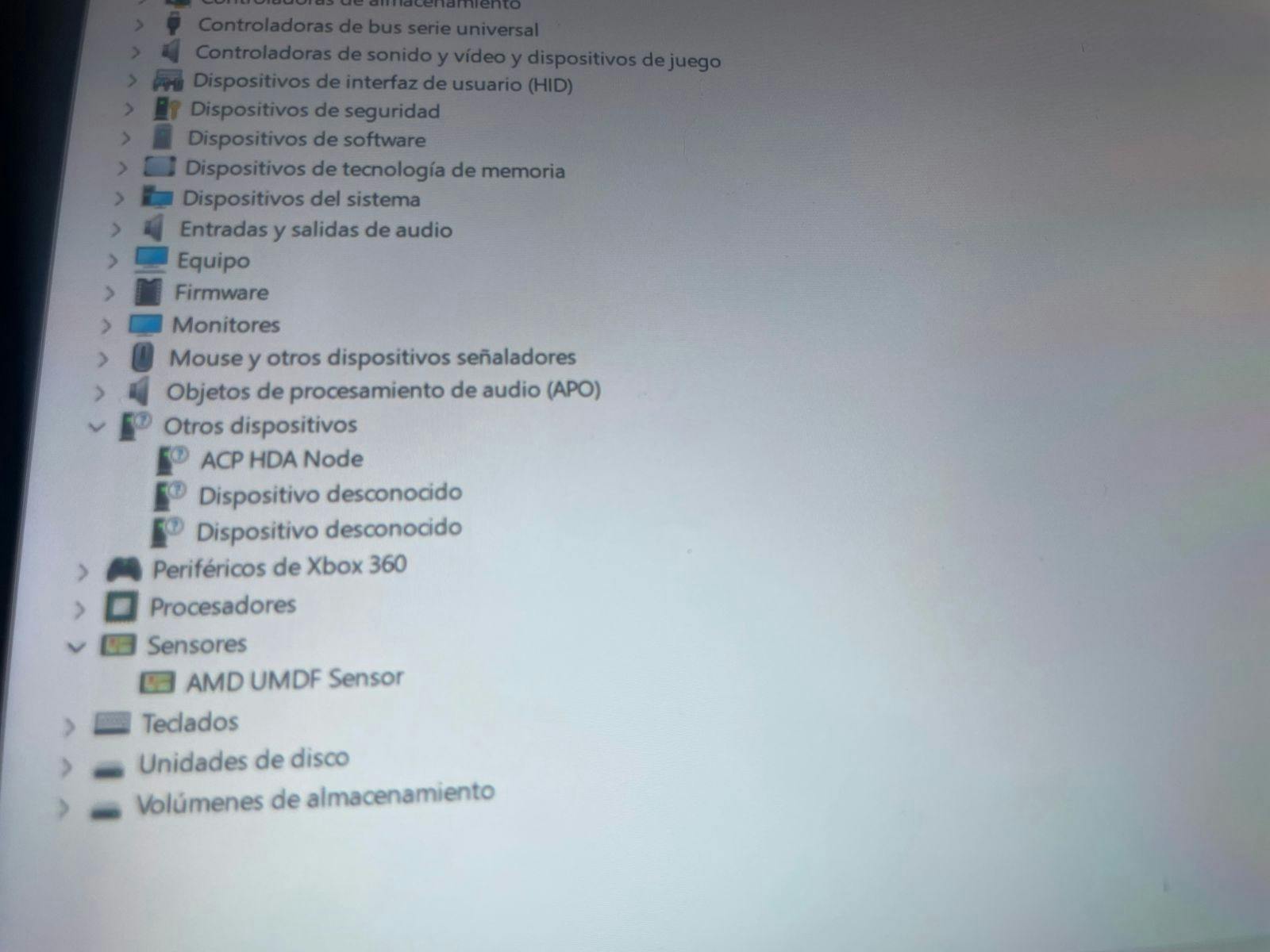
I've checked Device Manager, View Hidden Items, and under Sensors, a device called Simple Device Orientation Sensor has disappeared. Three unknown devices also appear.
I don't know what else to try to get automatic screen rotation back.
I've attached images of what I've described.
Edit: The hidden devices issue was resolved by reinstalling Windows using Lenovo's installation media. However, I noticed that adaptive brightness also doesn't work, the sensor next to the display doesn't respond, and the option to enable this feature also disappears from Windows settings.
Maybe someone can help me please.